Turn your photo into anime art
Upload a photo, pick a style, and get your portrait in under a minute. Your first one is free, with no card required.
Drag & drop your photo
or click to browse
Tips for the best result
- • Use a clear, well-lit photo
- • Portraits with one visible face work best
- • Try different styles with the same photo
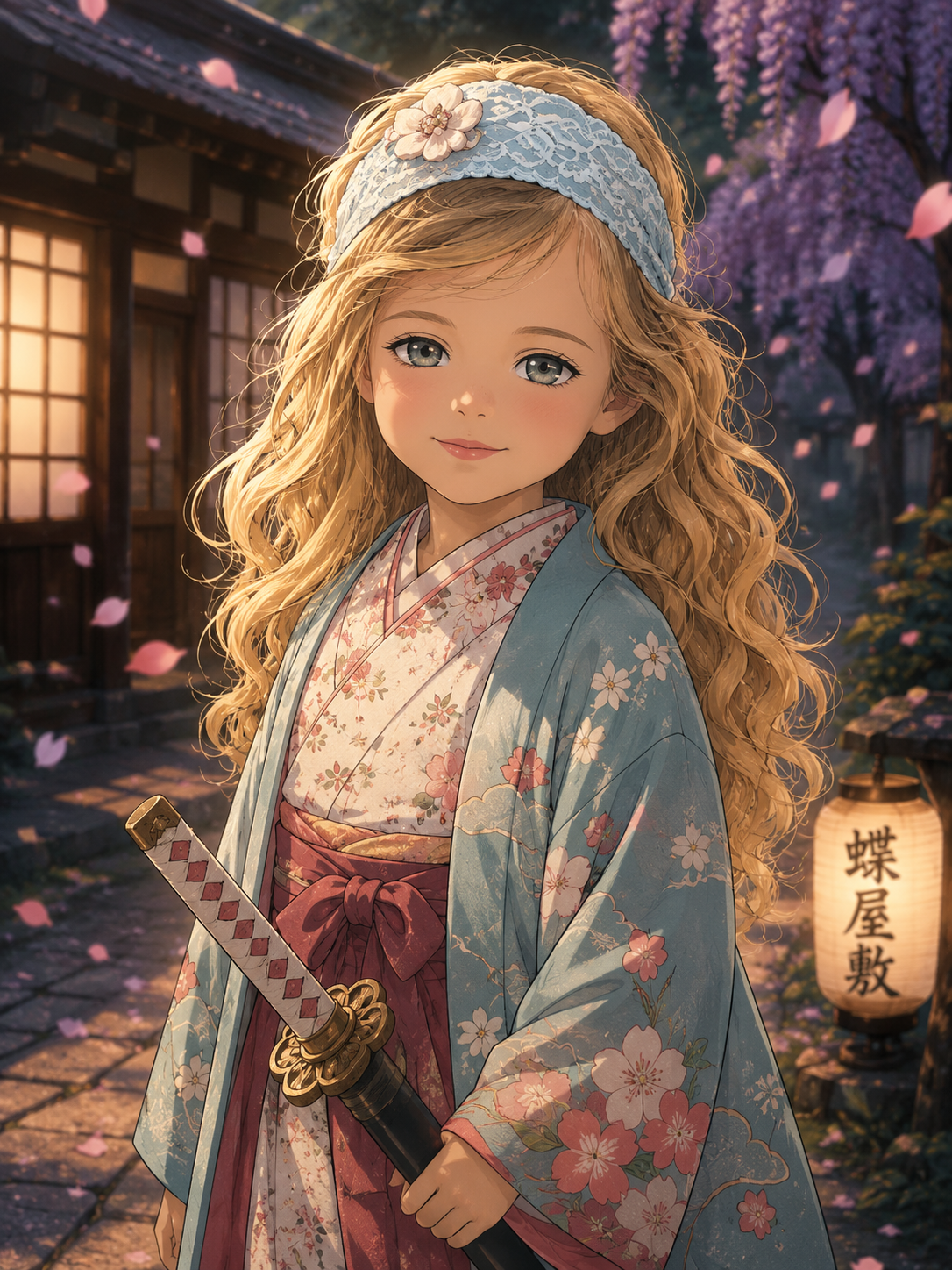
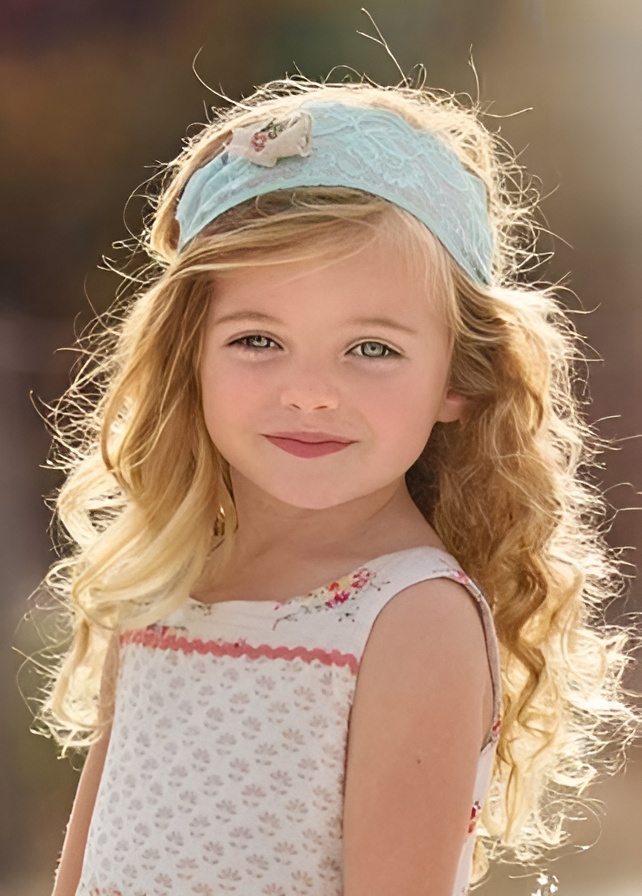
Example result. Upload a photo and pick a style to create yours.
Secure checkout
Payments are handled by Stripe. We never see your card number.
Originals not stored
Single-photo portraits don't save your original photo on our servers.
Delete anytime
Remove any portrait from your dashboard whenever you like.
Pay only for results
Credits are used only after your portrait is created.
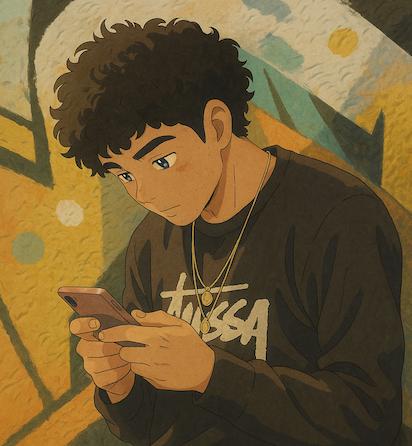
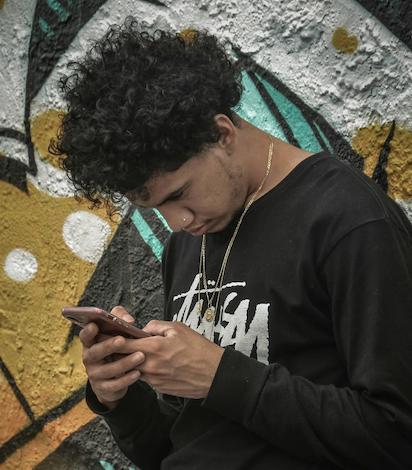
Before and after
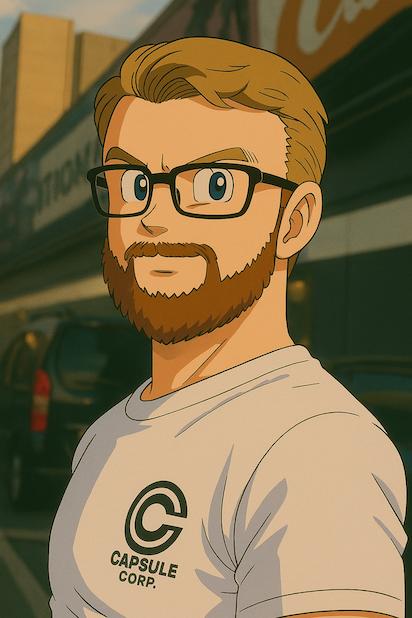
Drag the handle to compare each photo with its portrait.

How it works
- 1
Upload your photo
Choose a clear JPG, PNG, or WebP up to 10 MB. Photos with one visible face work best.
- 2
Choose a style
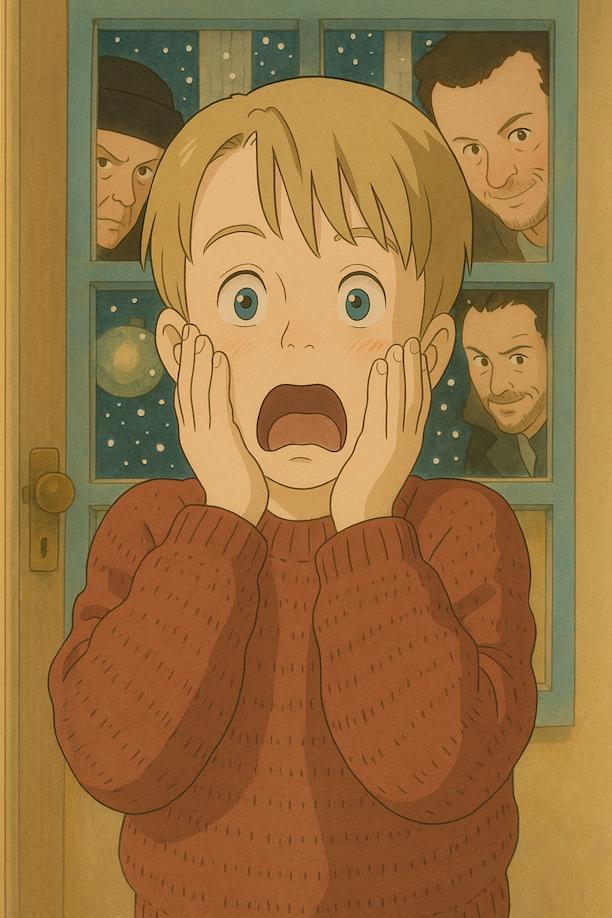
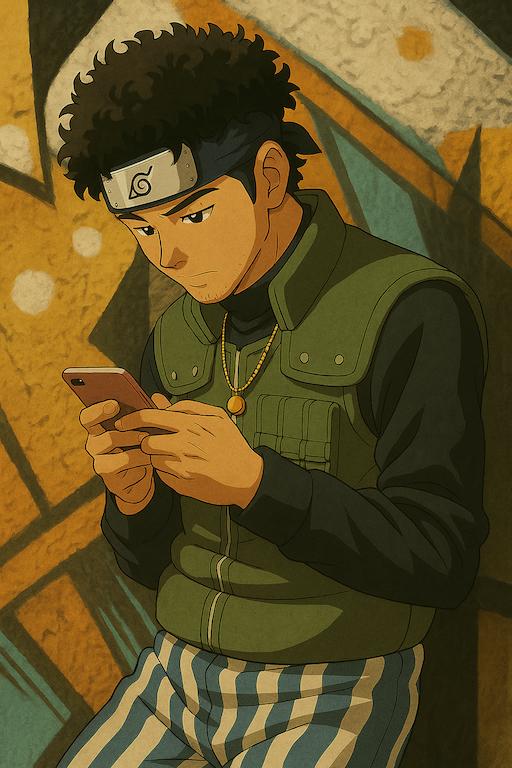
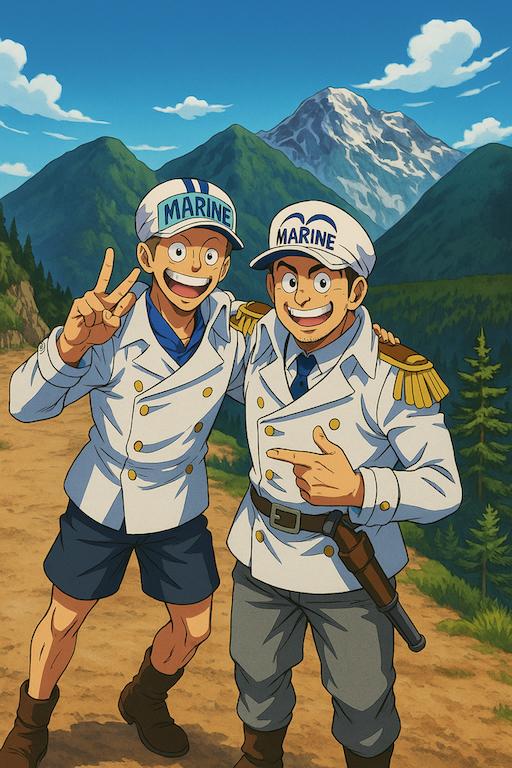
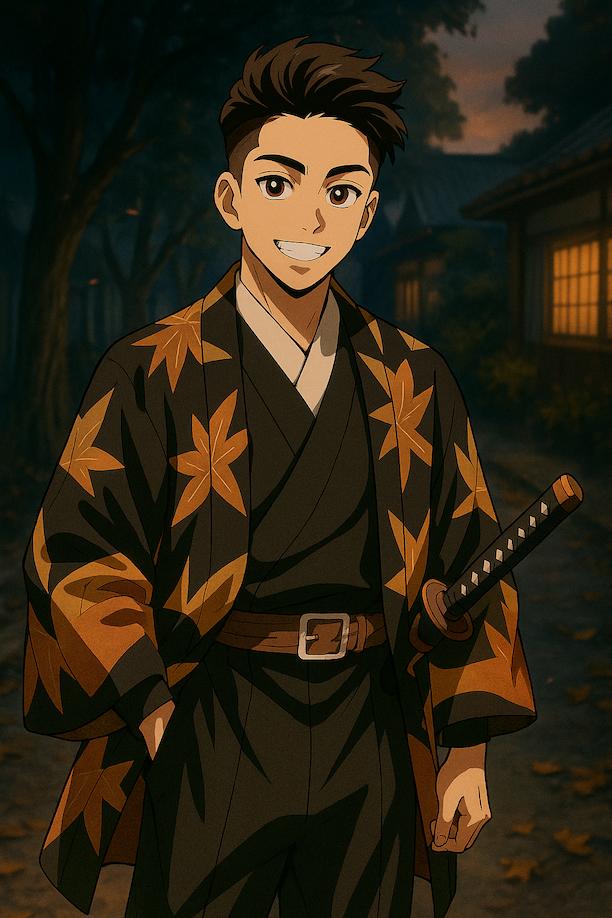
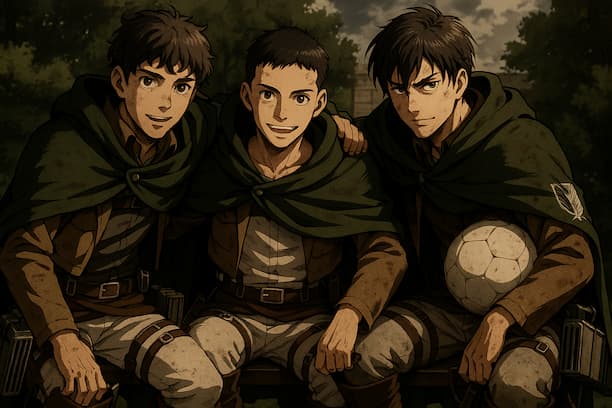
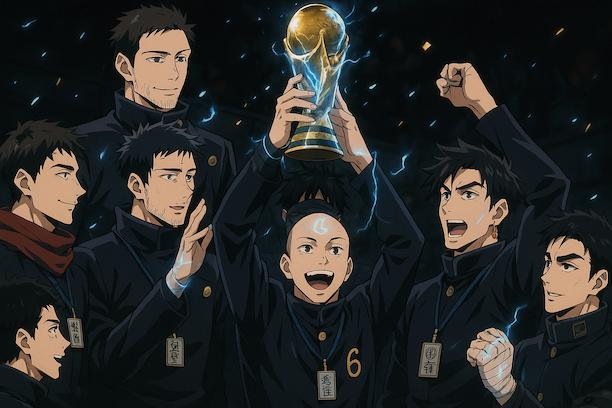
Pick from 26 styles, including Ghibli, Naruto, and Demon Slayer. You'll see an example of each first.
- 3
Download your portrait
Your portrait appears next to your photo in under a minute, ready to download.
Popular styles
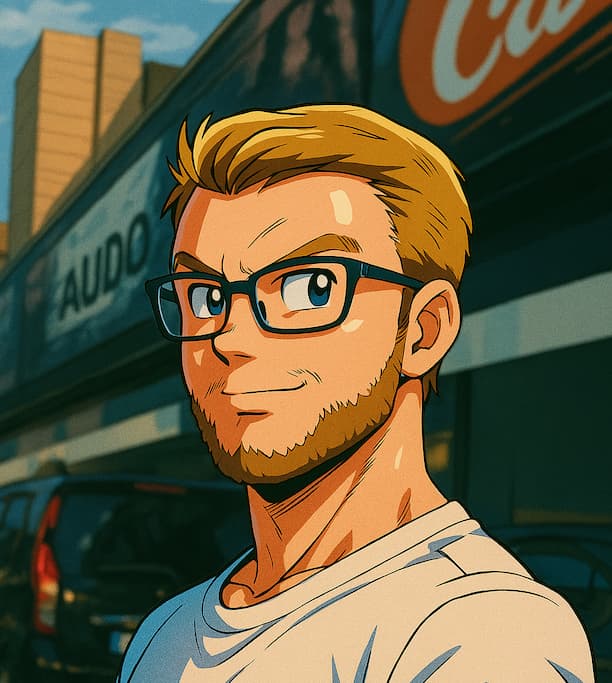
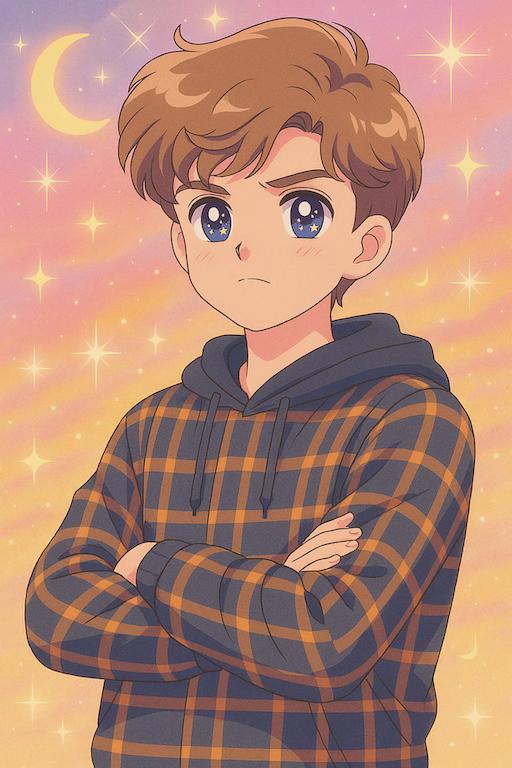
Choose one to try it on your own photo.
More than a portrait
Trading cards
Turn a portrait into a collectible card with your name and a card design that matches your style.
Make a cardBackground scenes
Place your character in a setting from the style's world, like the Hidden Leaf Village.
Add a sceneGroup portraits
Upload photos of 2 to 4 people and get one illustration of everyone together.
Create a group portrait4K upscale
Sharpen a finished portrait to a higher resolution for printing or wallpapers.
Upscale a portraitWhat people say
Loading reviews...
Questions people ask
Is the first portrait really free?
Yes. New accounts get 1 free credit, which covers one standard portrait. You don't need to enter a card to sign up.
What happens to my photo?
For a single-photo portrait, your photo is sent to Google's Gemini image model to create the portrait and isn't saved to our storage. The finished portrait is saved to your account so you can download it later. Group portraits work differently: those photos are uploaded to our storage so they can be combined.
Can other people see my portraits?
Portraits appear in the Community gallery only if you choose to share them. Each portrait file is served from a direct link, so anyone you give that link to can open it. You can delete a portrait from your dashboard at any time.
How do credits work?
A standard portrait costs 1 credit. A trading card or 4K upscale costs 1 more, a background scene adds 2, and a group portrait costs 3 to 5 depending on how many people are in it. Credits from one-time packs never expire.
What if a transformation fails?
Credits are deducted only after a portrait has been created, so a failed attempt doesn't cost you anything.
Can I cancel a subscription?
Yes, from your dashboard. Your plan stays active until the end of the billing period you've paid for, and it won't renew after that.
Is AnimeMyPic connected to these anime studios?
No. AnimeMyPic isn't affiliated with any anime studio. Styles are inspired by these series and are for personal use.
Free for new accounts. No card required.